
Automate TradingView and Telegram into live trades.
TradeSgnl turns the two places traders already get ideas, TradingView charts and Telegram channels, into real orders on your broker account.
Pick the source you already trade from, TradingView or Telegram, and TradeSgnl handles the rest: parsing, alert wiring, execution, hosting, and reporting. There's more than one way to wire each side up, so you can match the workflow you actually use.
Cloud hosting, handled for you
Your accounts run on our servers around the clock, so nothing depends on your PC staying on. MetaTrader 5 gets a managed terminal, and every other platform connects straight from the portal with nothing to install.
Supported platforms
Connect any mix of these under one license. One alert trades every account on it, whatever the platform.
MetaTrader 5
Any broker that offers MT5. Run it on a managed cloud terminal or a Cloud VPS, or on your own PC.
cTrader
Sign in with your cTrader ID and pick your demo and live accounts. Your password stays with cTrader.
TradeLocker
Works with the brokers and prop firms that use TradeLocker. Sign in with your email, password and server.
Crypto exchanges
Binance, Bybit and OKX spot accounts, connected with an API key. Testnets are supported for practice.
Three ways to run MetaTrader 5
A managed terminal, a full Windows VPS, or your own MetaTrader. Same portal and analytics across all three.
CloudConnect
A managed cloud-based terminal, with MT5 and the EA pre-installed and connected automatically.
Cloud VPS
A dedicated Windows desktop, with MT5 and the EA pre-installed. Full OS control through RDP.
Your own PC
Already running MetaTrader? Install the EA on your terminal and use the same portal, alerts, and analytics.
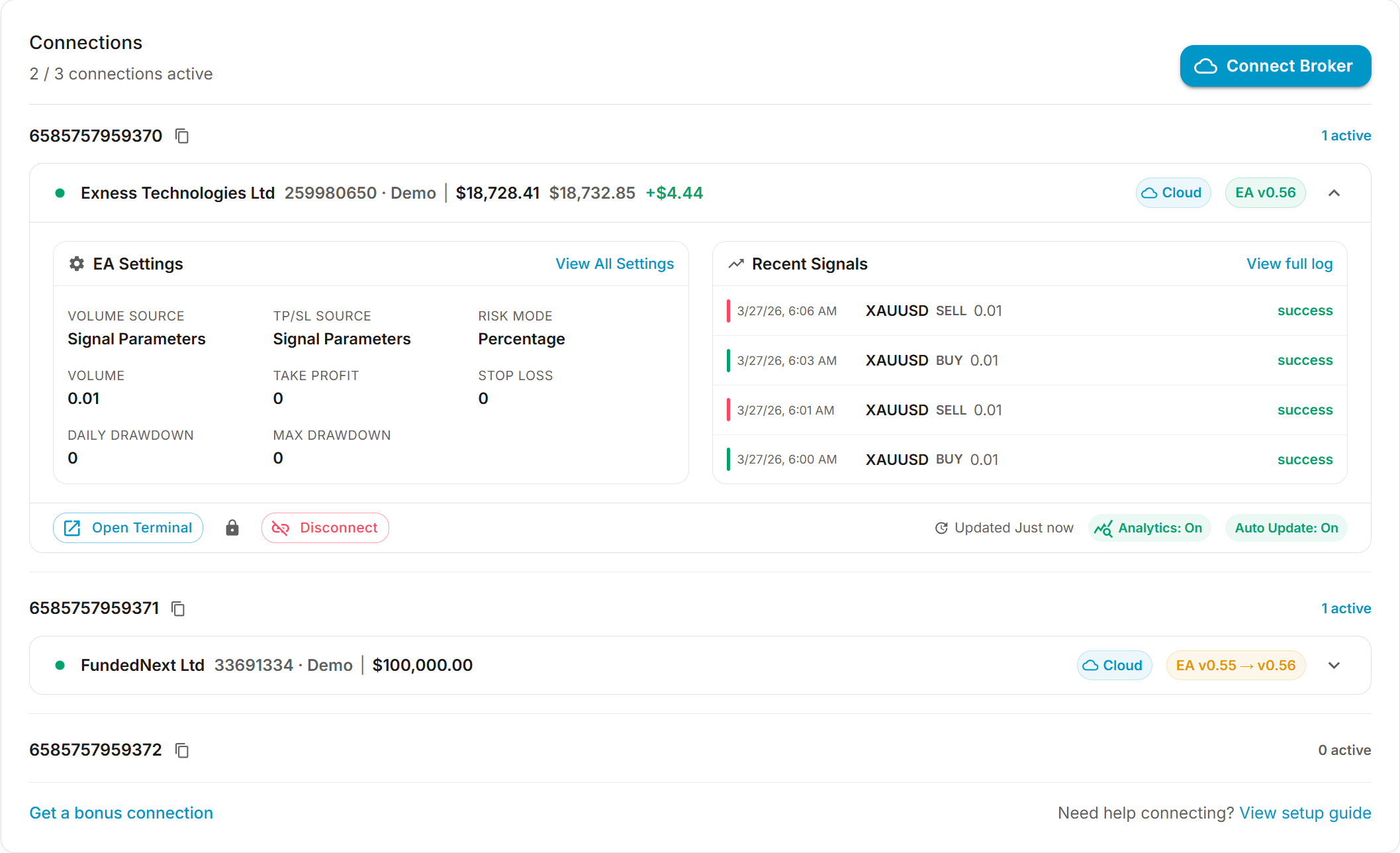
Automate TradingView
Four surfaces for turning a TradingView chart into automated trades on your accounts, each suited to a different level of control and customization.
TradingView AI extension
A Chrome side panel that reads your chart in real time. Ask in plain English to run indicators, draw levels, or create alerts, and the assistant acts on the chart for you.
Strategy Builder
A Pine Script template you add to TradingView with one click. Configure entries, exits, and risk visually inside TradingView; it emits alerts TradeSgnl executes.
Strategy Lab
A Pine Script workspace in the portal with an AI developer. Generate strategies from a description, adapt indicators into strategies, or edit existing ones.
No-Code Setup
Automate any existing TradingView strategy without touching its source. One alert with the right message format and TradeSgnl handles entries, exits, and reversals.
The TradingView AI extension puts all of it on the chart itself. It sees your symbol, indicators, and recent bars as they update, knows your signal presets and broker setup, and its guided workflows walk you through wiring up alerts without leaving TradingView.
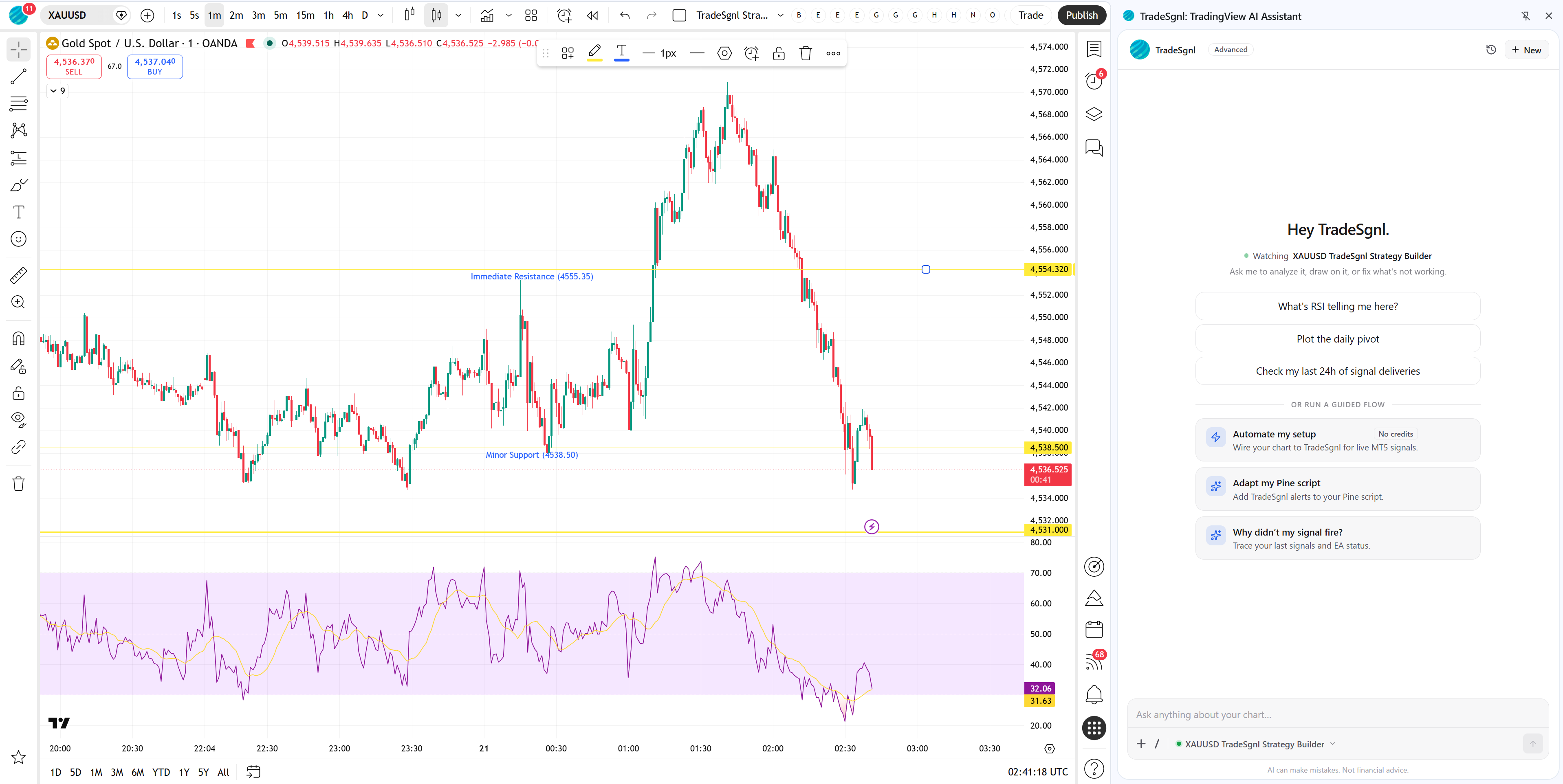
Automate Telegram
Turn the signals from any Telegram channel you read into trades on your accounts, parsed and managed the way you set it up.
Telegram Copier
Monitor any channel you're subscribed to. Each new message is parsed, extracted into a trade ticket, and sent to your accounts within milliseconds.
Smart parsing
Auto-detect signals with regex patterns or use AI parsing for complex multi-line formats. Configure templates and default volumes per channel.
Trade management
Attach trailing stops and breakeven, offset or limit take profits, force market or pending orders, and filter out messages you don't want traded.
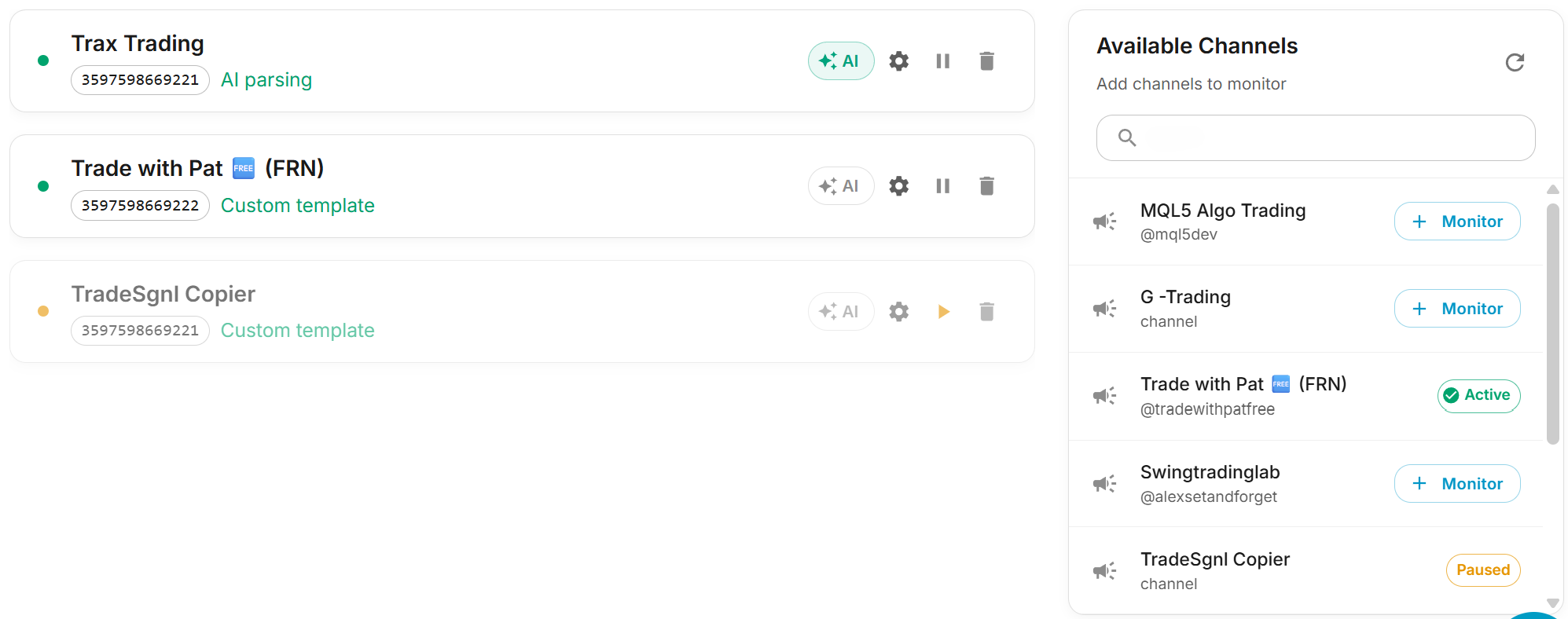
Let AI do the watching
Describe how you trade and let AI watch the markets for you, or ask it for a read on any chart whenever you want one.
AI Trading Agents
Create your own agents that watch your trading account and trade your rules. Approve each trade yourself or let an agent place them inside your limits. In early access.
Market Analyst
Pick a symbol and a trading style and get a structured read, with a trade scenario or a clear reason to stand aside.
Sgnl AI
Ask about your results, accounts and setup in plain English, and get alert messages written for you.
Behind every trade
Trade management features configured in the EA inputs panel inside MT5. Risk sizing through advanced position management, no MQL5 required.
Risk and stop management
Lot sizing, max trades, trailing stops, breakeven, and per-symbol limits. Each parameter can come from the signal or from your EA defaults.
Pyramid, recovery, hedge
Group same-strategy trades into a coordinated position with a shared exit. Average down losers with controlled re-entries. Open a counter-position when a strategy crosses a loss threshold.
Backtesting
Test any CSV-based strategy in the MT5 Strategy Tester with TradeSgnl's trade management active. Validate trailing stops, pyramid, and recovery before going live.
Alerts and analytics
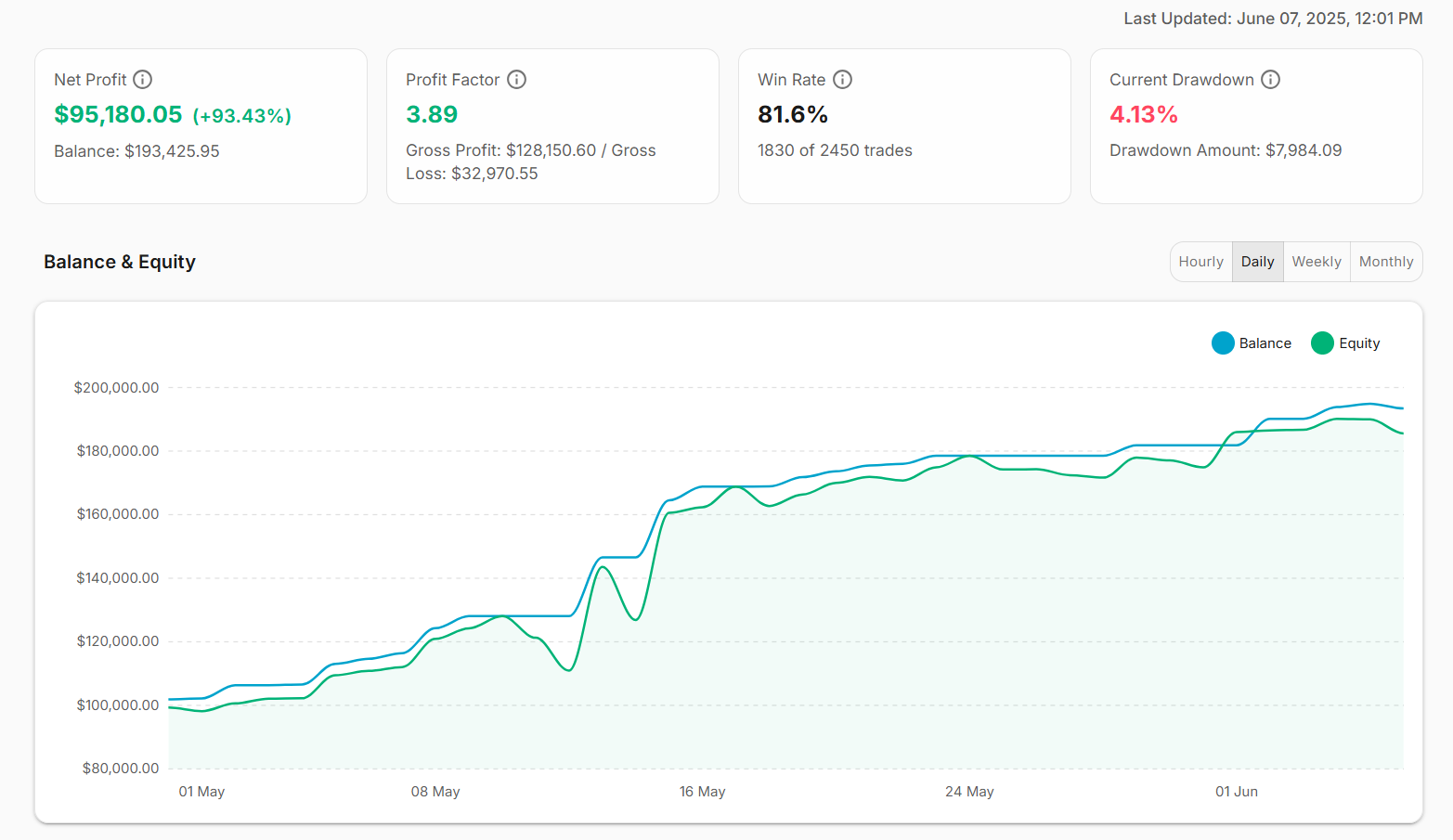
Get notified about connection issues, signal errors, drawdown, and news events via portal, email, or Telegram. Review performance in the Analytics dashboard.
Where to next
Pick a path based on where you are. New users start with Quick Start; existing traders jump straight to setup or settings.
Quick Start
From a fresh account to your first executed signal in about five minutes. Start here if you're new.
EA Setup
Install the EA on your own MetaTrader 5 terminal. Skip this if you're using CloudConnect.
EA Settings
Every input on the EA panel: risk, trailing stops, breakeven, pyramid, recovery, and hedge.
Troubleshooting
Common issues, error codes, and the fastest paths back to a working setup.